
Why Your Gaming PC is Underperforming in 2026 (Even If It’s High-End)

Is your high-end gaming PC underperforming in 2026? Discover the real reasons behind FPS drops, stuttering, and poor performance, and how to fix them.

Gaming PC underperforming 2026?

You’ve spent serious money on your gaming PC.
Top-tier GPU, powerful CPU, plenty of RAM…

So why does it still feel like your performance isn’t where it should be?

If you’re experiencing low FPS, stuttering, input lag, or inconsistent performance, you’re not alone. In 2026, even high-end systems can struggle, and the reasons might surprise you.

Let’s break down this issue of gaming PC underperforming 2026, and exactly what’s going wrong… and how to fix it.

1. Poor Game Optimisation (The Biggest Problem)

gaming PC underperforming 2026

Modern games are becoming increasingly demanding, but not always well optimised.

Many AAA titles now:

  • Launch unfinished
  • Rely heavily on patches
  • Struggle across different hardware setups

Even powerful GPUs can struggle if the game itself isn’t properly optimised.

✅ Fix:

  • Lower shadow quality and volumetric effects first
  • Disable unnecessary ray tracing features
  • Wait for optimisation patches before pushing max settings

2. CPU Bottlenecks Are More Common Than Ever

Best graphics settings for FPS

In 2026, games are using more CPU power than ever before, and sometimes it can make you wonder why your gaming PC underperforming 2026?

Even with a high-end GPU, your performance can tank if your CPU can’t keep up.

Signs of a CPU bottleneck:

  • Low GPU usage (under 80%)
  • High CPU usage (90–100%)
  • Stuttering in open-world or multiplayer games

✅ Fix:

  • Close background apps
  • Upgrade CPU if outdated
  • Enable Resizable BAR / Smart Access Memory

3. Thermal Throttling Is Killing Your Performance

console vs pc gaming 2026

Heat = lost performance.

If your CPU or GPU gets too hot, it will automatically slow down to protect itself.

Common causes:

  • Poor airflow
  • Dust build-up
  • Low-quality thermal paste

✅ Fix:

  • Clean your PC regularly
  • Improve case airflow
  • Consider better cooling (air or liquid)

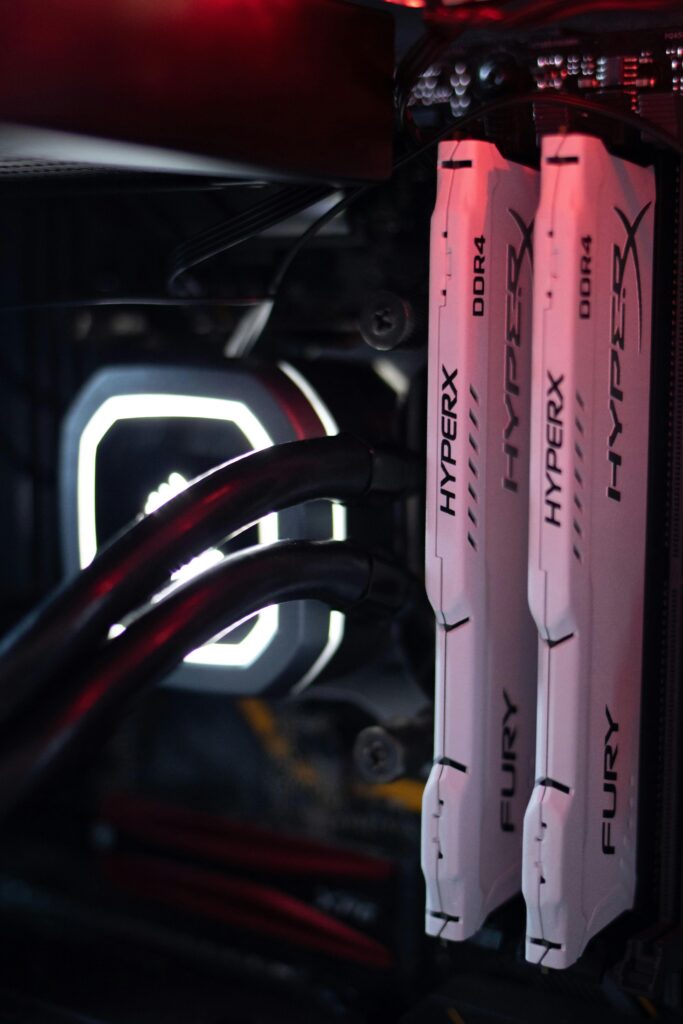
4. Your RAM Setup Isn’t Optimised

Not all RAM setups are equal, even if you have “enough”.

Common issues:

  • Running single-channel instead of dual-channel
  • Incorrect RAM speeds (XMP not enabled)
  • Too little RAM for modern games (16GB is now borderline)

✅ Fix:

  • Enable XMP/EXPO in BIOS
  • Upgrade to 32GB RAM for modern gaming
  • Ensure dual-channel configuration

5. Background Apps Are Stealing Performance

Best graphics settings for FPS

You might not realise it, but your PC is constantly running processes in the background.

These can include:

  • Game launchers
  • Browsers
  • Recording software
  • RGB software (yes, really)

✅ Fix:

  • Close unnecessary apps before gaming
  • Disable startup programs
  • Use Task Manager to monitor usage

If you don’t check these sometimes, it can make you ask yourself why your gaming PC underperforming 2026.

6. Outdated or Broken Drivers

Drivers can make or break your performance.

Bad updates or outdated drivers can cause:

✅ Fix:

  • Update GPU drivers regularly
  • Use clean installs when necessary
  • Avoid beta drivers unless needed

7. Storage Speed Still Matters

Best graphics settings for FPS

If you’re still gaming on an HDD in 2026… that’s a problem.

Slow storage causes:

✅ Fix:

8. Game Settings That Destroy FPS

Some settings look great… but cost massive performance.

Biggest FPS killers:

  • Ray tracing
  • Ultra shadows
  • Volumetric fog
  • Motion blur

✅ Fix:

Optimise settings instead of maxing everything:

  • High > Ultra (minimal visual difference)
  • Turn off motion blur
  • Use DLSS / FSR where available

9. You’re Expecting Too Much From Your Hardware

This is the harsh truth.

Even high-end PCs struggle with:

  • Poorly optimised games
  • Unreal Engine 5 titles
  • Heavy ray tracing workloads

Sometimes it’s not your PC… it’s the game.

Final Thoughts

In 2026, having a powerful gaming PC isn’t enough on its own.

Performance depends on:

  • Optimisation
  • System setup
  • Cooling
  • Game design

The good news?
Most issues are fixable, and often without upgrading your entire system.

Dial in your setup properly, and you’ll unlock the performance you actually paid for and not wonder why your gaming PC underperforming 2026.

At GhettoSmurf Gaming, we’ll keep bringing you the Latest trends, Gear reviews, Anime Reviews, Game Reviews and setup ideas to help you level up without emptying your wallet. Stay tuned weekly for more gaming insights!

FAQs: Gaming PC underperforming 2026

1. Why is my high-end PC still lagging?

Usually due to poor optimisation, CPU bottlenecks, or background processes.


2. Is 16GB RAM enough for gaming in 2026?

It’s still usable, but 32GB is becoming the new standard for high-end gaming.


3. What settings impact FPS the most?

Ray tracing, shadows, and volumetric effects have the biggest performance impact.


4. Should I upgrade my CPU or GPU first?

If your GPU usage is low and CPU is maxed out, upgrade your CPU first.


5. Do SSDs really improve gaming performance?

Yes, especially for load times, streaming assets, and open-world games.

Leave a Reply

Your email address will not be published. Required fields are marked *