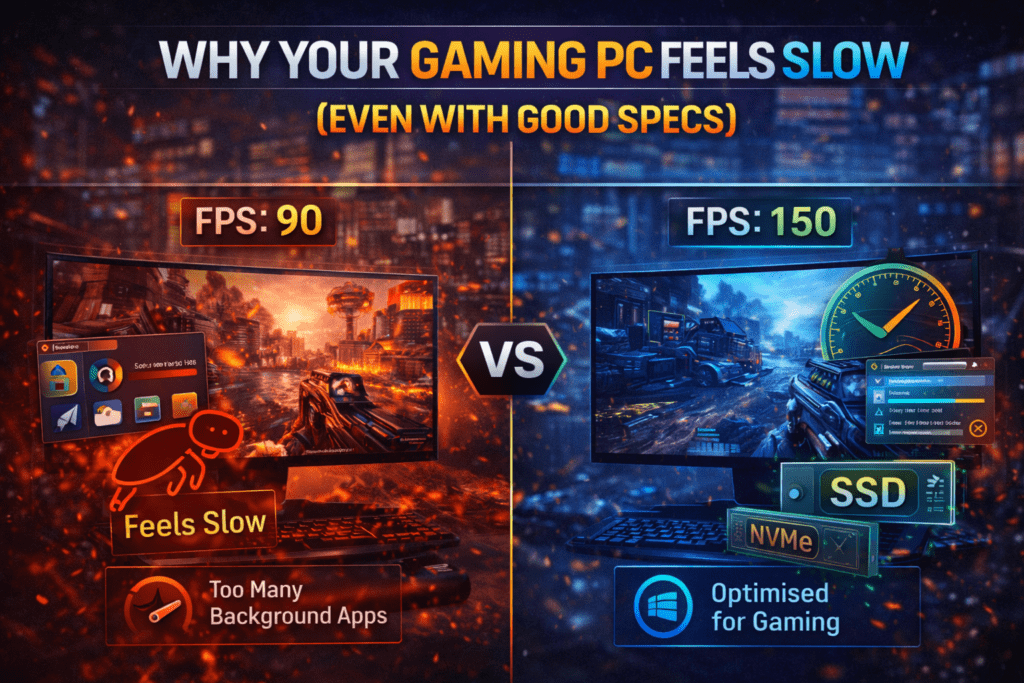

Why Your Gaming PC Feels Slow (Even With Good Specs)
Many gamers assume that once they buy a powerful PC, performance problems disappear forever.
But that’s rarely the case and causes them to think.“Why your gaming PC feels slow even with good specs?”
You could have a strong GPU, plenty of RAM, and a modern CPU, yet your system might still feel sluggish during gameplay. Frames dip, games stutter, loading times feel longer than they should, and overall performance just doesn’t match the hardware you paid for.
If this sounds familiar, you’re not alone.
A slow gaming PC is usually caused by optimisation issues rather than weak hardware. The good news is that most of these problems are surprisingly easy to fix once you know where to look.
Let’s break down the most common reasons your gaming PC might feel slower than it should.
1. Too Many Background Applications
One of the biggest hidden performance killers is background software.
Many applications run quietly in the background without you noticing, including:
• Launchers
• Update services
• Cloud storage apps
• Streaming software
• Web browsers
These programs consume CPU power, RAM, and sometimes even GPU resources.
When multiple background processes run at the same time, your gaming performance suffers.
Quick Fix
Before launching a game:
• Close unnecessary applications
• Check Task Manager for heavy processes
• Disable unnecessary startup programs
This simple step can free up valuable system resources.
2. Outdated Graphics Drivers
Your GPU drivers play a massive role in gaming performance.
Graphics card manufacturers constantly release driver updates that:
• Improve game performance
• Fix bugs
• Optimise new game releases
Running outdated drivers can lead to poor optimisation, crashes, or unexpected stuttering.
Quick Fix
Update drivers regularly using:
• NVIDIA GeForce Experience
• AMD Adrenalin Software
Driver updates alone can sometimes deliver noticeable FPS improvements and reduce the guesswork around “Why your gaming PC feels slow?”
3. Storage Drive Bottlenecks
Many gamers still install games on older hard drives instead of SSDs, which leads to the age-old question, “Why your gaming PC feels slow?”
Traditional HDDs are much slower when it comes to:
• Game loading times
• Texture streaming
• Asset loading
This can cause stuttering or long loading screens in modern games.
Quick Fix
Install games on an SSD or NVMe drive whenever possible.
Modern games are designed with fast storage in mind.
4. Thermal Throttling
If your PC gets too hot, performance automatically drops.
This safety mechanism is called thermal throttling.
When temperatures rise too high:
• CPU speed reduces
• GPU performance drops
• FPS becomes unstable
Overheating can occur due to dust buildup, poor airflow, or inadequate cooling.
Quick Fix
• Clean your PC regularly
• Improve airflow inside your case
• Monitor temperatures with tools like MSI Afterburner
A cooler system is a faster system.
5. Incorrect Game Settings
Many gamers immediately select Ultra graphics settings without considering their system’s limits and then ask themselves, “Why your gaming PC feels slow?”
Ultra settings often prioritise visual fidelity rather than performance.
Certain settings have a huge performance impact, including:
• Ray tracing
• Shadow quality
• Volumetric lighting
• Anti-aliasing
Lowering just a few of these settings can significantly boost FPS.
Quick Fix
Try using:
• High instead of Ultra
• DLSS / FSR where available
• Lower shadow settings
The visual difference is often small, but the performance gain can be huge.
6. Windows Not Optimised for Gaming
Windows itself can sometimes interfere with gaming performance.
Certain system settings may prioritise power efficiency instead of performance.
Quick Fix
Check these settings:
• Enable Game Mode in Windows
• Set power plan to High Performance
• Disable unnecessary background services
These small adjustments can improve system responsiveness.
Final Thoughts
A slow gaming PC doesn’t always mean you need new hardware.
In many cases, performance issues come down to software optimisation, system maintenance, or incorrect settings.
By addressing things like background applications, outdated drivers, poor airflow, and storage bottlenecks, you can unlock the full potential of your system.
Gaming performance is not just about powerful components, it’s about how well your system is optimised.
Take the time to fine-tune your setup, and you’ll likely see a noticeable improvement in your gaming experience and won’t be asking, “Why your gaming PC feels slow?”
At GhettoSmurf Gaming, we’ll keep bringing you the Latest trends, Gear reviews, Anime Reviews, Game Reviews and setup ideas to help you level up without emptying your wallet. Stay tuned weekly for more gaming insights!
FAQs: Why your gaming PC feels slow.
1. Why does my gaming PC feel slow even with good specs?
Background programs, outdated drivers, and poor system optimisation can reduce performance even on powerful PCs.
2. Does upgrading RAM improve gaming performance?
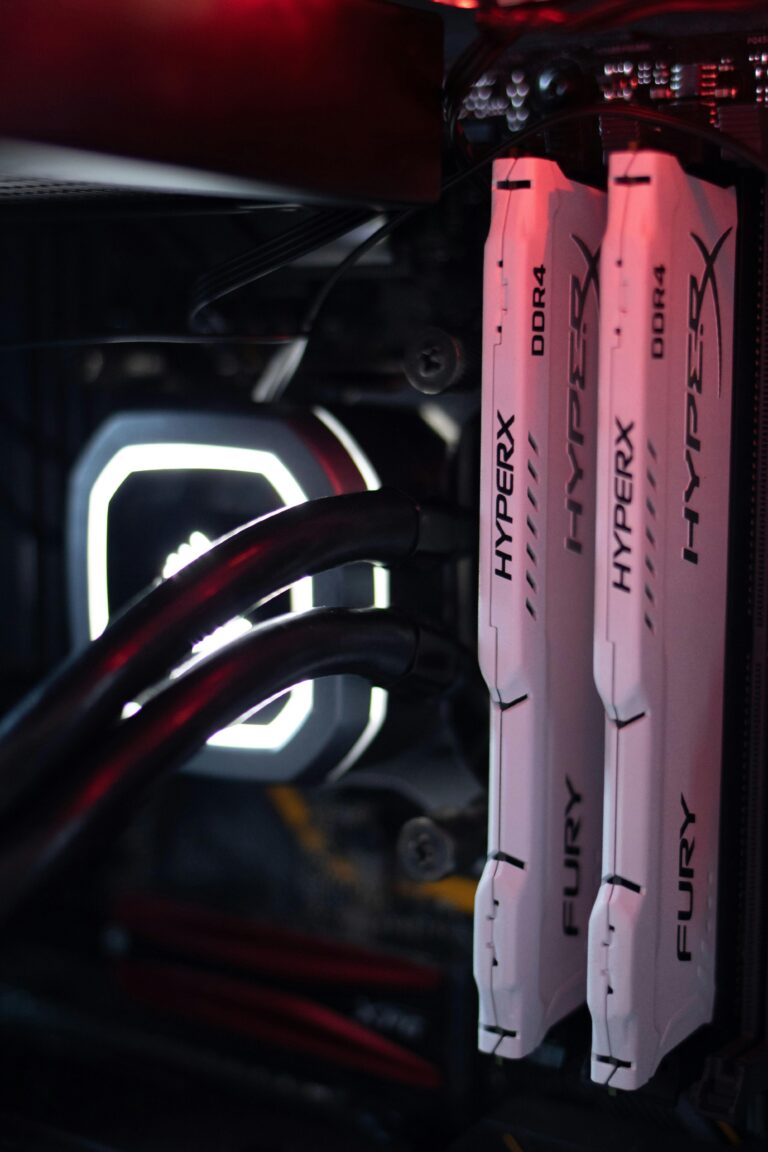
It can help if your system is running low on memory, especially when multitasking.
3. Can SSDs improve gaming performance?
Yes. SSDs significantly improve loading times and reduce stuttering in many modern games.
4. Should I always use Ultra graphics settings?
Not necessarily. High settings often provide a better balance between visuals and performance.
5. How often should I optimise my gaming PC?
Basic maintenance every few months helps keep performance consistent.
Gaming Burnout Is Real — Here’s Why Gamers Are Losing Passion
Gaming Burnout Is Real — Here’s Why Gamers Are Losing...
Read MoreTop 10 Free-to-Play Games Worth Playing in 2026
Looking for the best free-to-play games in 2026? From MOBAs...
Read MoreWhy Your FPS Drops in Games (Even With an Expensive High-End GPU) in 2026
Why Your FPS Drops in Modern Games (Even With a...
Read More
[…] Why Your Gaming PC Feels Slow (Even With Good Specs) […]
[…] Why Your Gaming PC Feels Slow (Even With Good Specs) […]