Why Do My Games Keep Crashing (And How to Fix It)

Game crashes can ruin your experience. Here’s how to identify the cause and fix it fast.

The one stop gaming portal.
The one stop gaming portal.
Gaming troubleshooting fixes common gaming problems, including crashes, FPS drops, overheating, stuttering, connectivity issues, and PC gaming errors.
Game crashes can ruin your experience. Here’s how to identify the cause and fix it fast.

If your gaming PC feels slow, this guide will help you identify the problem and fix it fast.

A powerful gaming PC doesn’t always guarantee smooth performance. Here’s why your PC might feel slow and how to fix it.

If your PC sounds like a jet engine and your FPS tanks mid-match, overheating is likely the culprit. Here’s how to fix it properly.

Nothing kills a gaming session faster than a controller disconnecting mid-fight. From Bluetooth interference to power issues and hidden system settings, here’s how to fix controller connection problems properly.
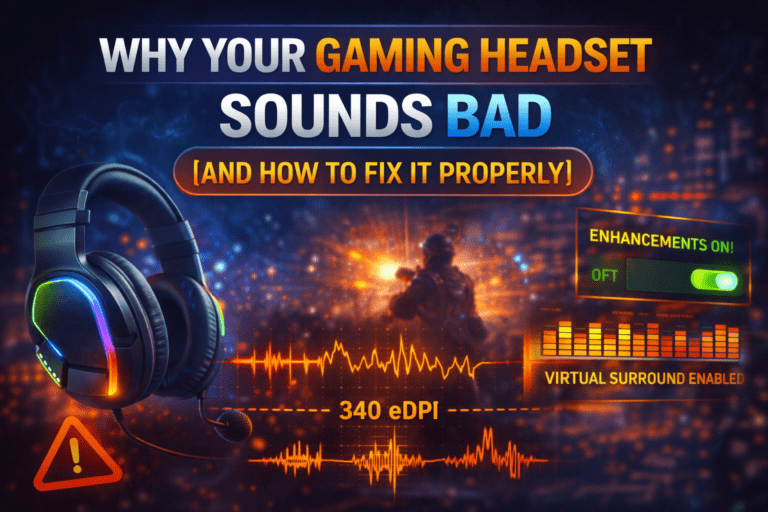
Your gaming headset shouldn’t sound like it’s trapped in a biscuit tin. From incorrect sound settings to cheap DACs and software conflicts, here’s exactly why your gaming audio sounds bad, and how to fix it step by step.
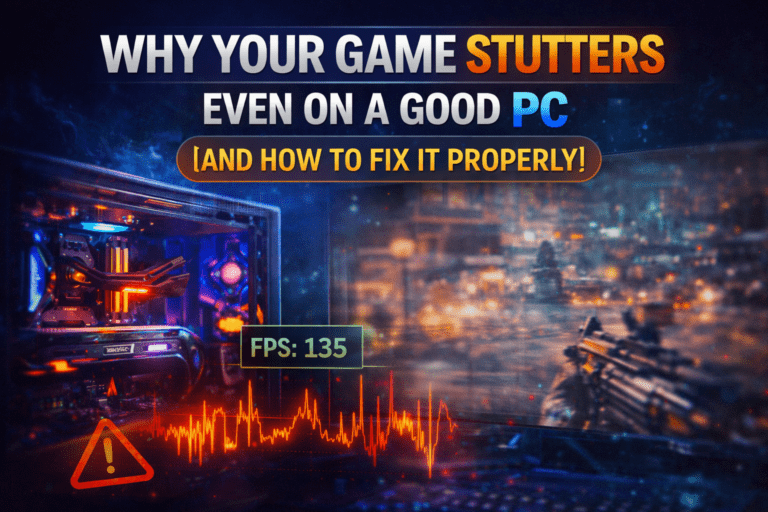
Your PC is powerful, your settings look right, yet games still stutter. This guide explains why micro stuttering happens even on good gaming PCs and shows you how to fix it properly.

Is your game stuttering, freezing, or feeling delayed? It’s not always “lag”. Here’s how to tell the difference between FPS, ping, and lag, and how to fix each one fast.

Are your key presses not registering during intense gaming moments? Keyboard ghosting can ruin gameplay, but the good news is it’s fixable. Here’s how to stop it for good.

Does your gaming headset suddenly sound muffled, quiet, or just… wrong? Don’t panic. Here are 10 quick and effective fixes to restore crisp, clear audio in minutes.