
Why Is My Gaming PC Slow and How to Fix It?
There’s nothing worse than jumping into a game…
and instantly feeling that lag.
Low FPS. Stuttering. Delayed input.
It kills the experience, and you land up asking yourself “Why Is My Gaming PC Slow?“
But here’s the truth:
👉 Most gaming PC performance issues are fixable, and often without spending money.
Let’s break down the real reasons your PC is slow and how to fix them.
1. Too Many Background Apps
This is one of the most common problems.
Apps running in the background eat up:
• CPU
• RAM
• Disk usage
Fix:
• Close unnecessary apps
• Disable startup programmes
• Use Task Manager to identify heavy usage
👉 Instant performance boost.
2. Outdated Drivers
Your GPU drivers directly affect performance. If left unchecked, you’ll end up asking yourself, “Why Is My Gaming PC Slow?“
If they’re outdated:
❌ Lower FPS
❌ Game crashes
❌ Poor optimisation
Fix:
• Update GPU drivers regularly
• Keep Windows updated
• Check for game-specific patches
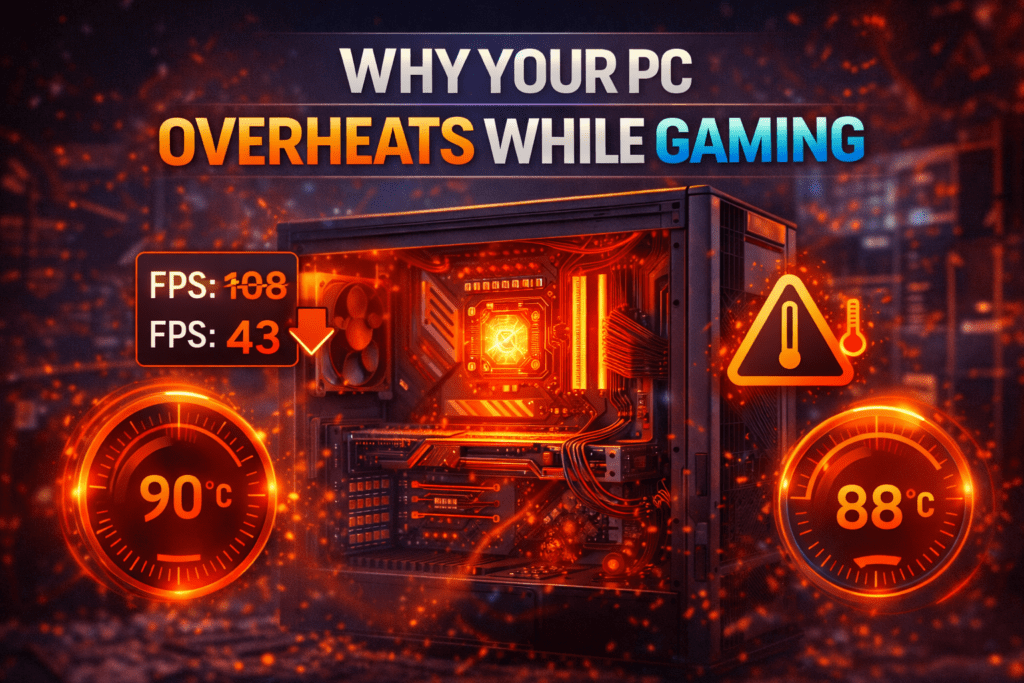
Heat = performance loss.
When your system overheats, it throttles performance to protect itself.
Signs:
• Loud fans
• FPS drops over time
• Hot case
Fix:
• Clean dust from fans
• Improve airflow
• Reapply thermal paste (advanced)
4. You’re Using the Wrong Game Settings
Many gamers just max everything out and end up asking themselves, “Why Is My Gaming PC Slow?“
That’s a mistake.
Fix:
Lower:
• Shadows
• Reflections
• Post-processing
Keep higher:
• Textures (if VRAM allows)
👉 Big FPS gain with minimal visual loss.
5. Your Storage Is Slowing You Down
Running games on an old HDD?
That’s a huge bottleneck.
Fix:
• Install games on an SSD
• Keep at least 20% free space
• Avoid cluttered drives
Modern games need more memory.
If you’re running:
❌ 8GB RAM → Expect issues
✔️ 16GB RAM → Sweet spot
Fix:
Upgrade if possible, it’s one of the easiest wins.
7. Malware or System Clutter
Hidden processes can destroy performance.
Fix:
• Run antivirus scan
• Remove bloatware
• Clear temporary files
8. Your Hardware Is Outdated
Sometimes…
It’s not optimisation.
It’s just age.
Signs:
• Can’t hit 60 FPS even on low settings
• New games struggle heavily
Fix:
• Upgrade GPU first
• Then CPU if needed
9. Poor Internet (For Online Games)
If you’re lagging online, it might not be FPS.
It could be:
• High ping
• Packet loss
Fix:
• Use Ethernet
• Close background downloads
• Check server regions
Final Thoughts
A slow gaming PC doesn’t always mean you need an upgrade.
Most of the time, it comes down to:
✔️ Optimisation
✔️ Maintenance
✔️ Smart settings
Fix these first, and you might be surprised how much performance you unlock.
At GhettoSmurf Gaming, we’ll keep bringing you the Latest trends, Gear reviews, Anime Reviews, Game Reviews and setup ideas to help you level up without emptying your wallet. Stay tuned weekly for more gaming insights!
FAQs: Why is my gaming pc slow?
1. Why is my gaming PC suddenly slow?
It’s usually due to background apps, overheating, or outdated drivers.
2. Will more RAM improve gaming performance?
Yes, especially if you’re currently using 8GB.
3. How do I increase FPS quickly?
Lower graphics settings, close apps, and update drivers.
4. Can overheating reduce FPS?
Yes, thermal throttling directly impacts performance.
5. Do SSDs improve gaming performance?
Yes, faster load times and smoother performance overall.
Gaming Burnout Is Real — Here’s Why Gamers Are Losing Passion
Gaming Burnout Is Real — Here’s Why Gamers Are Losing...
Read MoreTop 10 Free-to-Play Games Worth Playing in 2026
Looking for the best free-to-play games in 2026? From MOBAs...
Read MoreWhy Your FPS Drops in Games (Even With an Expensive High-End GPU) in 2026
Why Your FPS Drops in Modern Games (Even With a...
Read More
[…] your games keep crashing, you’re not alone. It’s one of the most common issues PC gamers face, and in most cases, it’s completely […]
[…] CPU bottlenecks […]