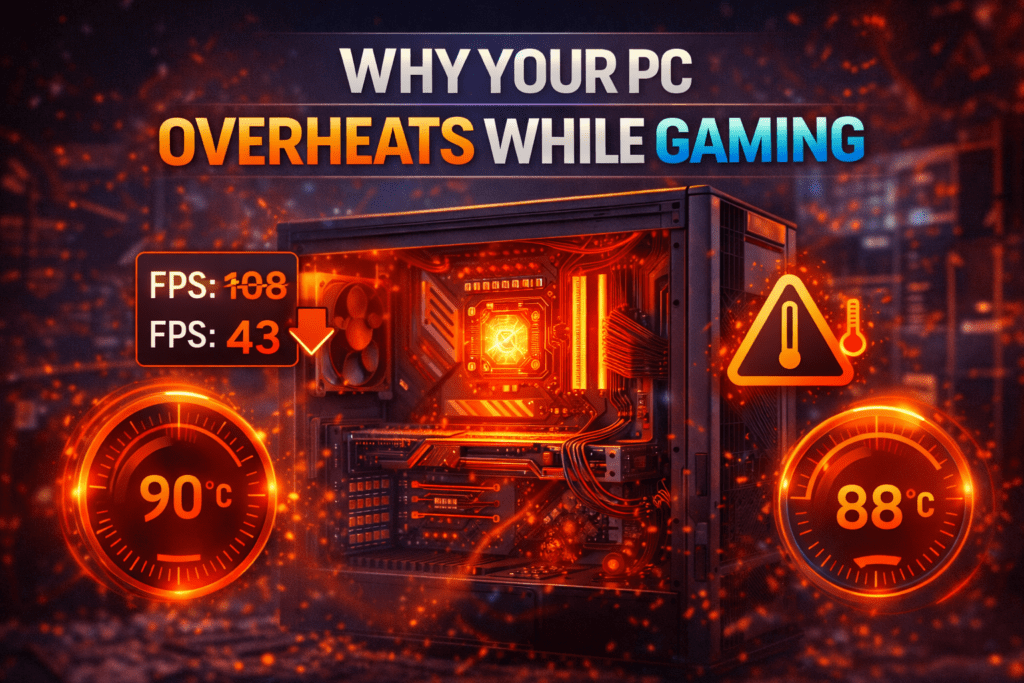

Why Your PC Overheating While Gaming Is a Bigger Problem Than You Think.
When your PC overheats, it doesn’t just get loud, it actively protects itself by slowing down. This is known as thermal throttling, and it’s one of the most common reasons gamers experience sudden FPS drops, stuttering, crashes, or full system shutdowns mid-game.
If your performance tanks after 10–20 minutes of gameplay, overheating is almost always the cause.
Let’s break down why your PC is overheating while gaming and why it happens, and more importantly, how to fix it properly.
What Causes a Gaming PC to Overheat?
1. Poor Airflow Inside the Case
Many PCs look great but breathe terribly.
Common airflow issues:
Too few intake or exhaust fans
Fans installed backwards
Cables blocking airflow
Dust-clogged vents
If hot air can’t escape, your components slowly cook themselves, and that will definitely be a cause of your PC overheating while gaming.
2. Dust (The Silent Performance Killer)
Dust acts like insulation. The more it builds up, the harder your cooling system has to work.
Signs dust is the problem:
Fans constantly running at high speed
Rising temperatures over time
Visible dust on filters and heatsinks
If you haven’t cleaned your PC in six months, it’s overdue.
3. Old or Poor Thermal Paste
Thermal paste transfers heat from your CPU to the cooler. Over time, it dries out and becomes less effective.
This leads to:
Sudden temperature spikes
High CPU temps even at low usage
Inconsistent performance
Replacing thermal paste is one of the cheapest and most effective fixes to preventing your PC overheating while gaming.
4. Overworked GPU or CPU
Modern games push hardware hard, especially at high resolutions or uncapped frame rates.
Common causes:
Ultra graphics settings
Ray tracing enabled
No FPS cap
Background apps eating resources
Your PC might simply be working harder than it needs to, and that will most definately be a cause to your PC overheating while gaming.
How to Fix PC Overheating While Gaming
Improve Airflow (Biggest Win)
Add at least one front intake and one rear exhaust fan
Ensure front fans pull air in and rear/top fans push air out
Tidy up cables to clear airflow paths
Good airflow alone can drop temps by 5–10°C.
Clean Your PC (Yes, Really)
Power off and unplug the system
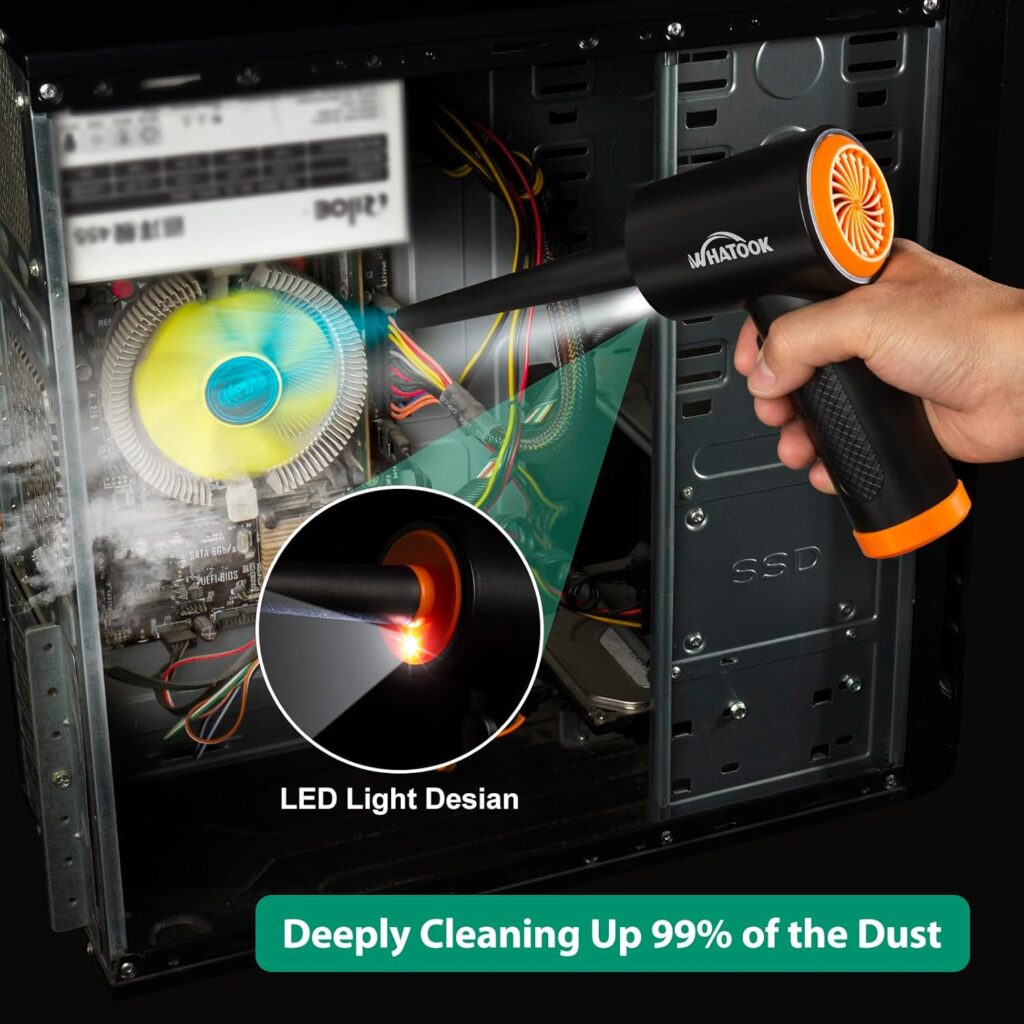
Use compressed air to clean fans, filters, and heatsinks
Wipe down dust filters
Do this every 3–6 months.
Replace Thermal Paste
Clean old paste with isopropyl alcohol
Apply a pea-sized amount of new paste
Reseat the cooler properly
This can instantly fix high CPU temperatures.
Adjust Game and System Settings
Cap FPS to your monitor’s refresh rate
Lower unnecessary settings like shadows or ray tracing
Close background apps
Less strain = less heat and no PC overheating while gaming.
Safe Gaming Temperatures (Quick Guide)
CPU:
Ideal: 60–75°C
Dangerous: 90°C+
GPU:
Ideal: 65–80°C
Dangerous: 85°C+
Consistently exceeding these numbers will shorten component lifespan.
Final Thoughts
PC overheating while gaming doesn’t just make your rig loud, it kills performance. FPS drops, stuttering, crashes… all classic signs your system is throttling itself to survive
At GhettoSmurf Gaming, we’ll keep bringing you the Latest trends, Gear reviews, Anime Reviews, Game Reviews and setup ideas to help you level up without emptying your wallet. Stay tuned weekly for more gaming insights!
FAQs: PC overheating while gaming
1. Can overheating damage my PC permanently?
Yes. Prolonged overheating reduces lifespan and can cause component failure.
2. Is liquid cooling necessary?
Not always. A good air cooler with proper airflow is often enough.
3. Why does my PC overheat only in games?
Games push CPU and GPU harder than most applications.
4. Does lowering graphics settings really help?
Absolutely. Lower load = lower temperatures.
5. How often should I clean my PC?
Every 3–6 months, depending on dust levels.
Why Live-Service Games Keep Failing in 2026 and What Developers Get Wrong
Why do live-service games keep failing despite massive budgets and...
Read MoreThe Seven Deadly Sins Origin Review — A Beautiful Anime World Held Back by Bugs and Grind
The Seven Deadly Sins: Origin Review — A Beautiful Anime...
Read MoreThe Rise of Cosy Games: Why Millions of Gamers Are Choosing Relaxation Over Competition in 2026
Cosy games have become one of the biggest trends in...
Read More
[…] Why Is Your PC Overheating While Gaming (And How to Fix This Annoyance Properly) […]
[…] 3. Your PC Is Overheating […]